Accessibility
Accessibility: what Hidden Springs does today, and what it doesn't yet
A game about walking downtown has to work for people who can't walk far, can't see small print, or would rather listen. Here's exactly where Hidden Springs stands.
What works today
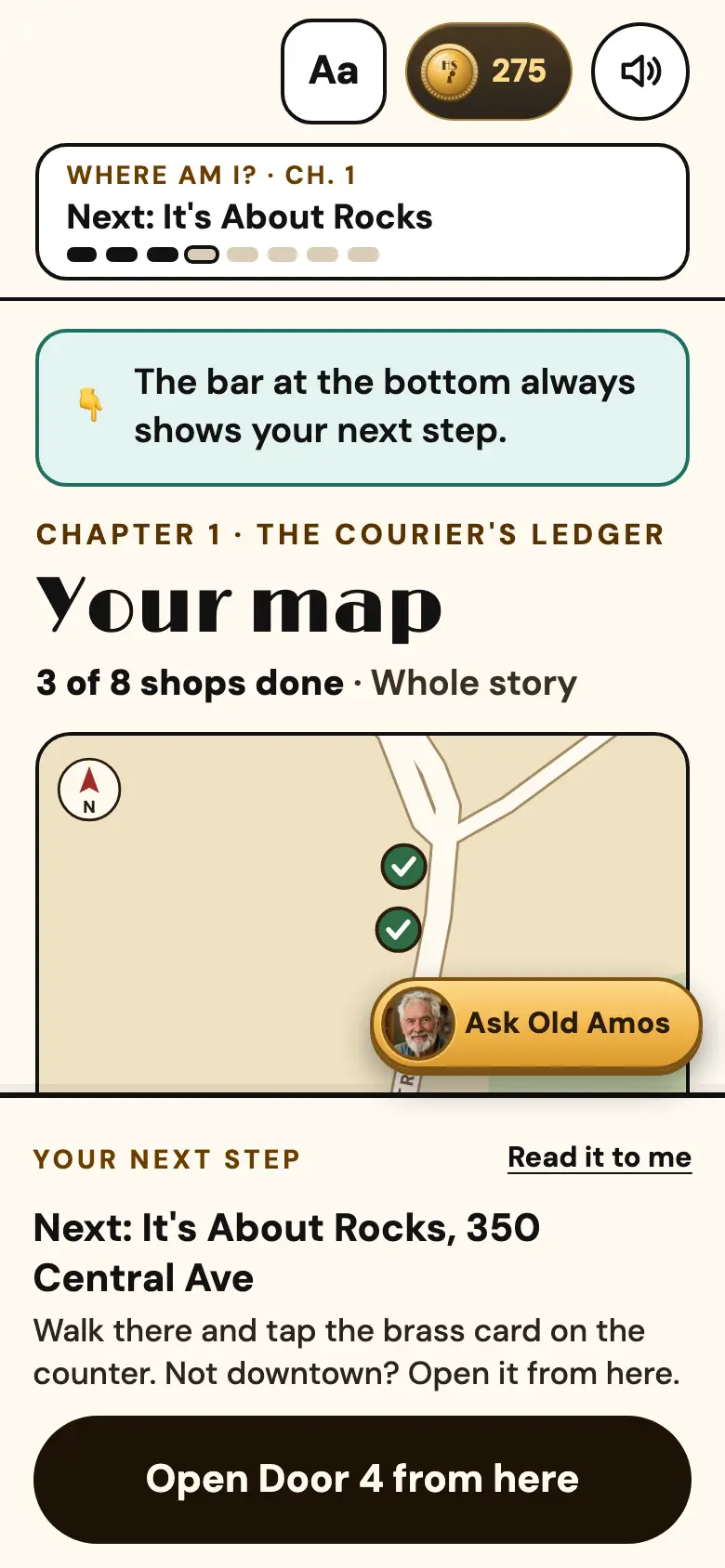
- Bigger text. One switch under the Aa button makes everything larger.
- Sun mode. Black on white, for bright days and tired eyes.
- Read every screen to me. The phone reads each new step out loud with its built-in voice.
- Listen buttons. Every door's story is also a Radio Hour episode with voices.
- Play from home. Any door can be opened from anywhere. Only the reward pickup happens at the shop.
- No timers. Nothing in the game runs out. Take a week on one door if you like.
- No account. Nothing to sign up for or remember.
- Calmer motion. If your phone is set to reduce motion, the game tones its animations down.
- Big buttons. I build for a 390-pixel-wide phone held in one hand, with buttons sized for a thumb.
- Nobody takes your phone. The clerk only looks at your screen to see a reward is claimed.
What I haven't solved yet
- Shop entrances. I haven't checked every shop for steps or narrow doors. Some downtown buildings are more than a hundred years old. If you need to know about one shop before you go, text me at 501-575-8017 and I'll tell you what I know.
- The tap. Picking up a reward in person means holding your phone near the card on the counter. If a counter is hard to reach, the clerk can hold the card out to you. They still never touch your phone. The rest of the door can always be played from the map, anywhere.
- Screen readers. The main buttons are labeled, but the 3D rooms are visual. Their stories are always available as text and audio, so nothing in the mystery is locked behind the 3D.
Tell me what's hard
If something in the game is hard to see, hear, read or reach, text me at 501-575-8017. Accessibility fixes go to the front of my list.