Accessibility · Retirees
For slow walkers and retirees: play at your own pace
Plenty of the people who love downtown Hot Springs are retired, and plenty of them don't want to walk eight blocks and squint at a phone in the sun. I built Hidden Springs so they never have to.
Play it from your chair
You don't have to be downtown to play. On the Tunnel Map, under the next shop's name, it says Not downtown? Open it from here. Tap it and the door opens at home: the story, the puzzle, the lock and the stamp. The shop's reward waits on your phone until you're next on Central and can pick it up at the counter.
That means you can read a chapter on the porch on Tuesday and stop in for the rewards on Saturday, or never walk it at all and just enjoy the mystery.
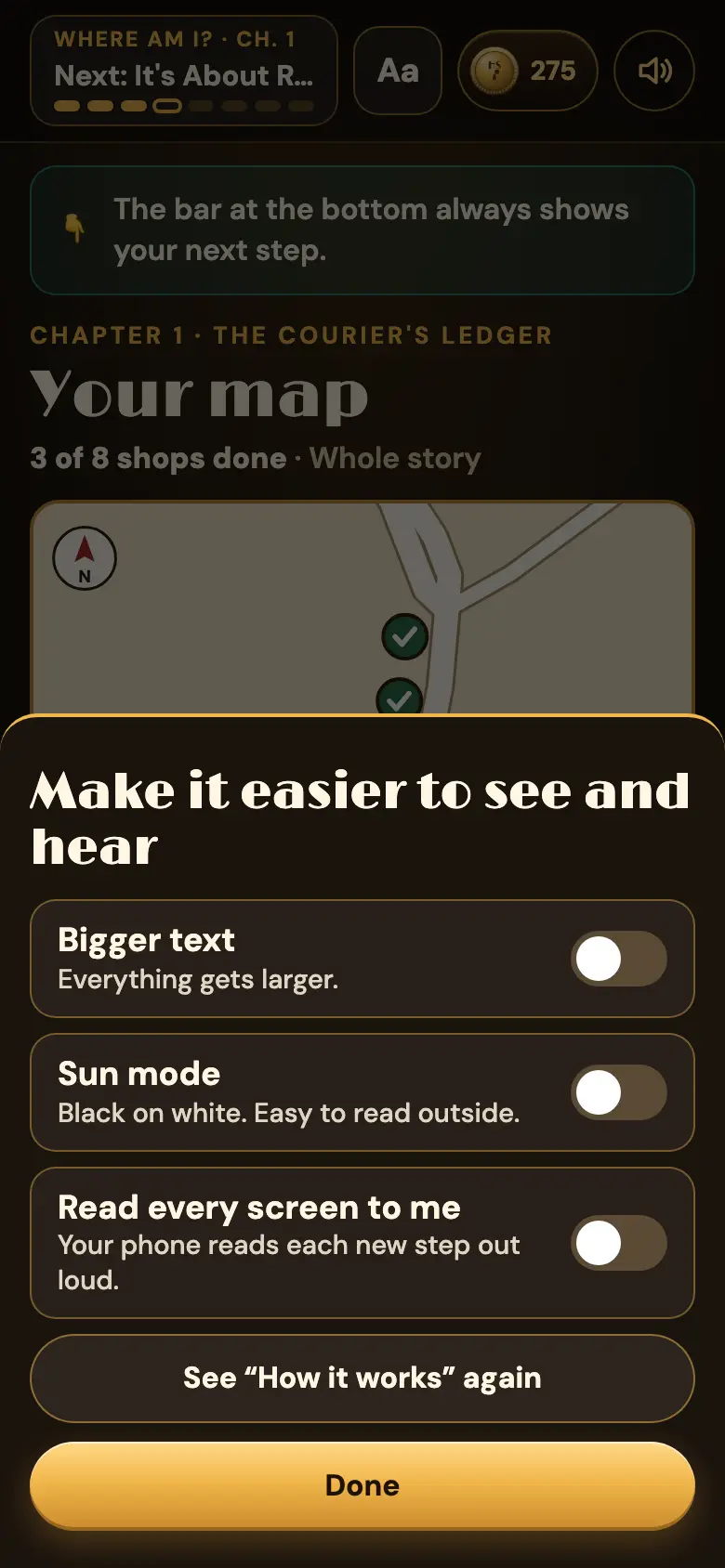
The Aa button
Every page has an Aa button at the top. It opens three switches:
- Bigger text. Everything gets larger.
- Sun mode. Black on white, easy to read outside in bright light.
- Read every screen to me. Your phone reads each new step out loud, in its own voice.
Your phone remembers your choice, so you only set it once.
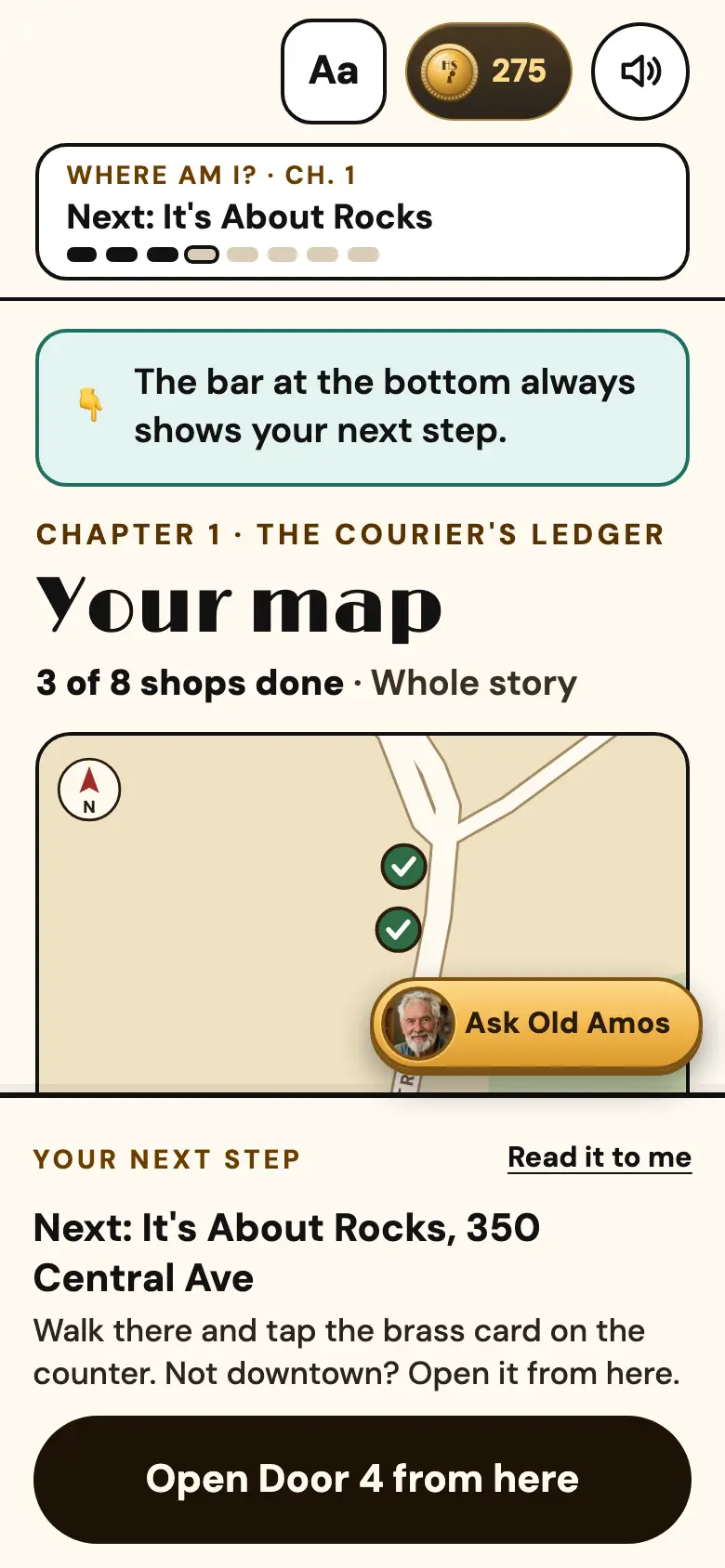
Listen instead of reading
Every door has a Listen button. The KTHS Radio Hour, my 1930s-style radio show, reads that door's story with voices. The Radio Hour also plays around the clock on its own station page, so you can have the whole mystery on in the kitchen like an old serial.
A short walk, with places to sit
When you start a chapter you can pick About 30 minutes: 4 shops instead of 8. The map tells you how many minutes each walk is. Several stops in the story are places where you'd sit down anyway, like the pancake houses and the coffee and tea shop on North Central, and two of the free story stops are things you look at from the sidewalk, with no walking up anything.
Nothing to sign up for
No app, no account, no password to forget. It opens in the phone's web browser and remembers where you left off.